Chart Vizzard
Vizzlo's AI-based chart generatorCreate your List of Milestones in seconds


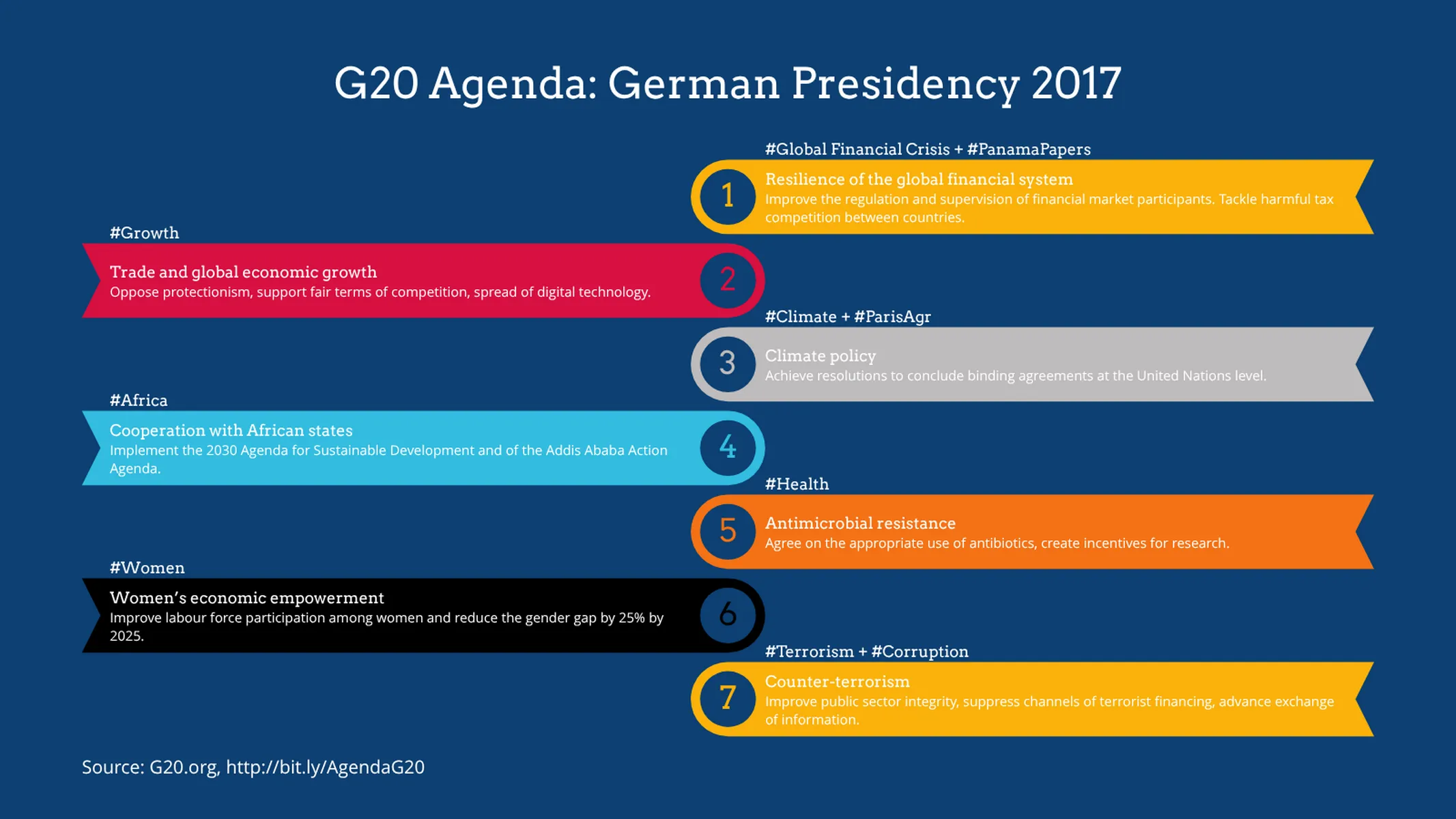
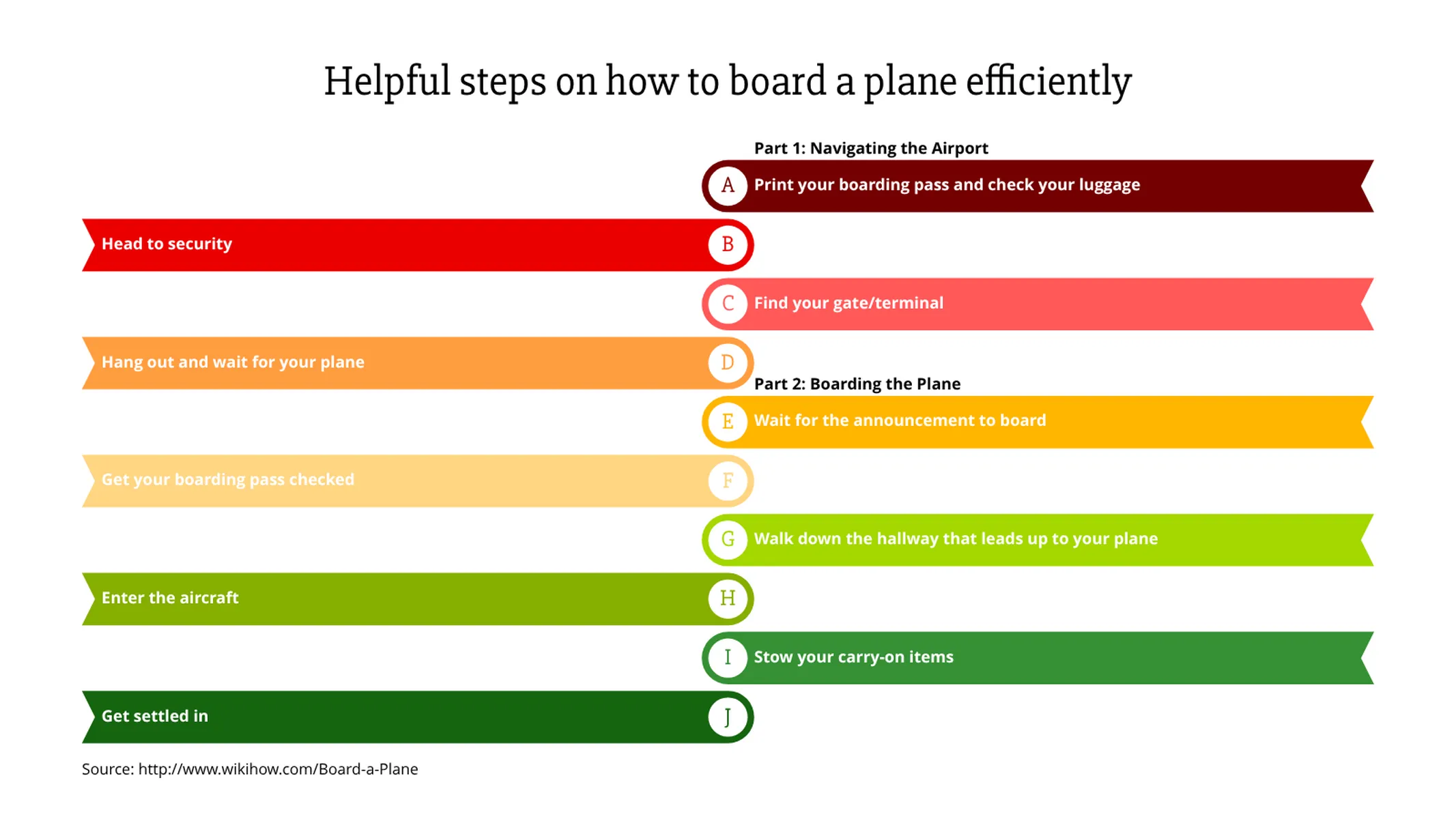
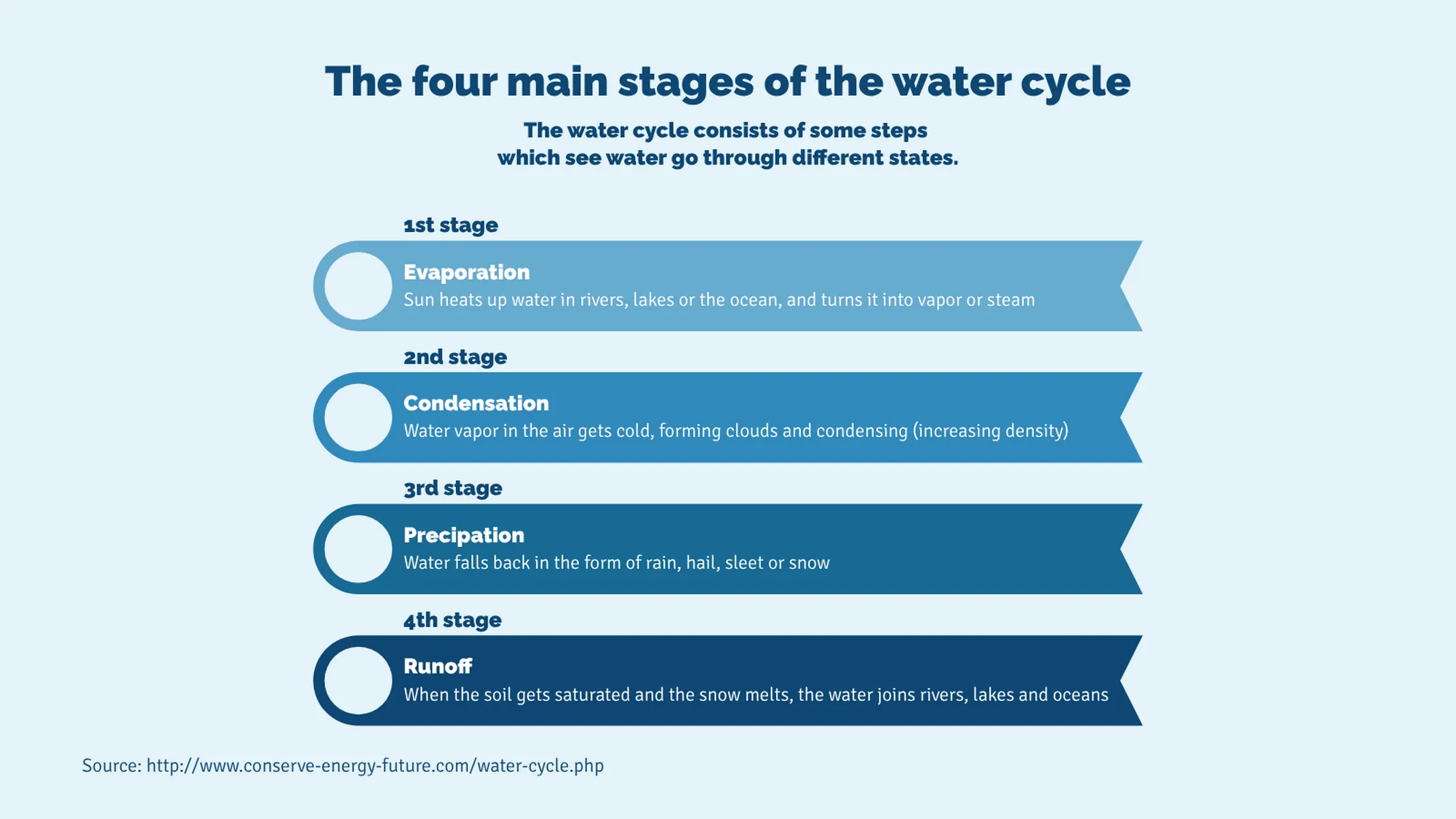
Present your project milestones in a simple and compelling way with this vertical list.

Create your chart in 3 simple steps
- Create new List of Milestones
- Add your data
- Export or share
Why Vizzlo?
- Create professional charts in seconds
- Fully customizable, no design skills needed
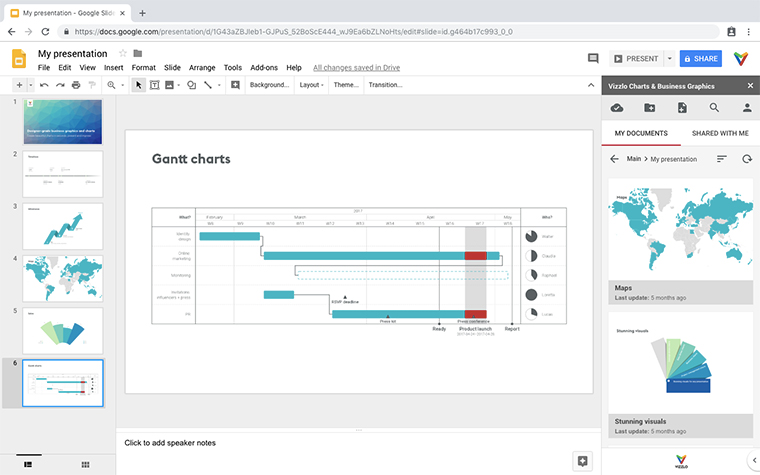
- Create directly in PowerPoint & Google Slides
A clear communication of a project’s milestones is crucial to achieving major goals. This list of milestones is beautiful and easy to create.
List up to 10 main project achievements. Use the drop-down menu “Style of milestones” (tab “APPEARANCE”) to choose how to enumerate your list: with numbers, letters, or leave the circles empty. Uncheck the box “Alternate milestones” to align the flags at the center as a straight vertical list.
Click on the elements, use the cards in the sidebar, and the spreadsheet to enter your information. Give each flag a title and a description. You can optionally add/stress some extra details (e.g., dates, project stages, etc.) over them: just enter this information in the “Subtitle” field. Drag and drop your milestones to reorder them.
List of Milestones: What's new?
List of Milestones Alternatives
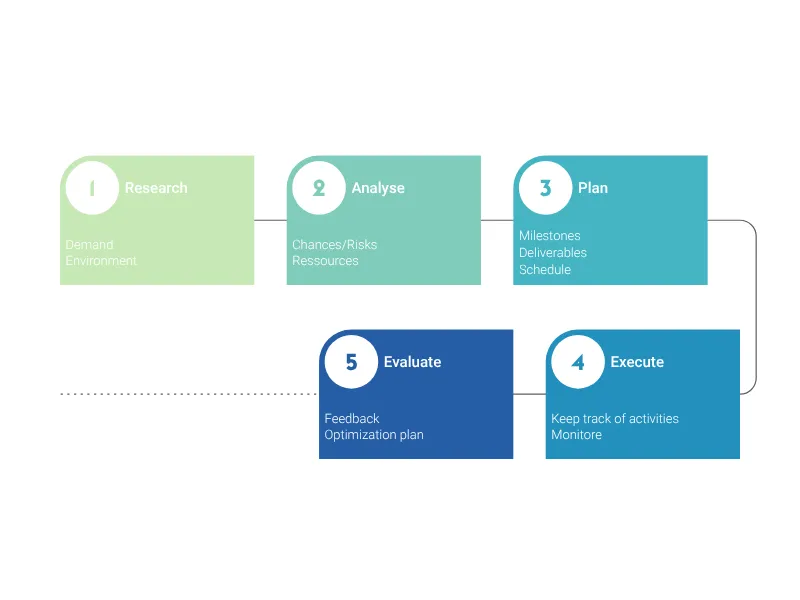
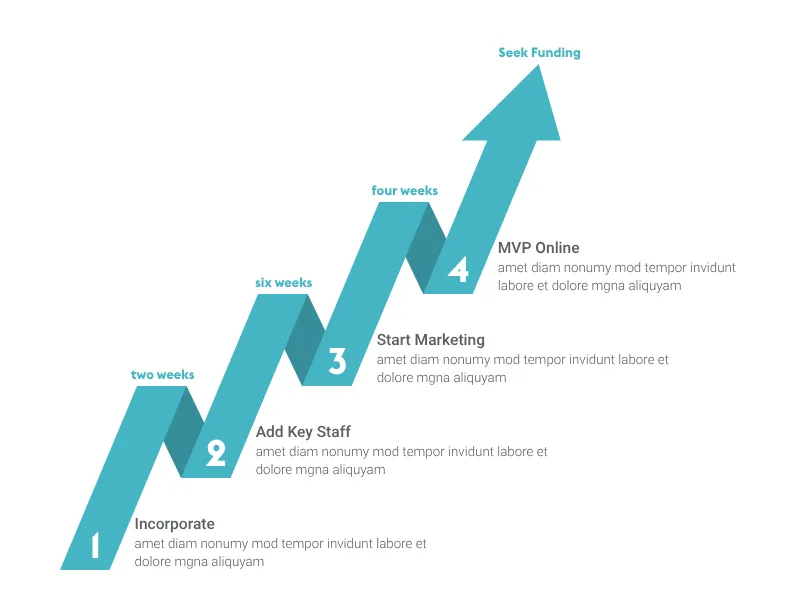
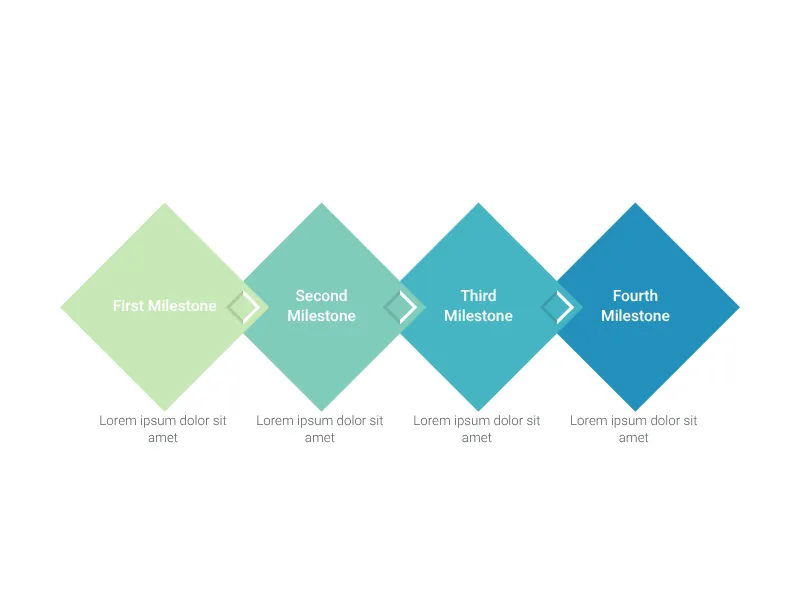
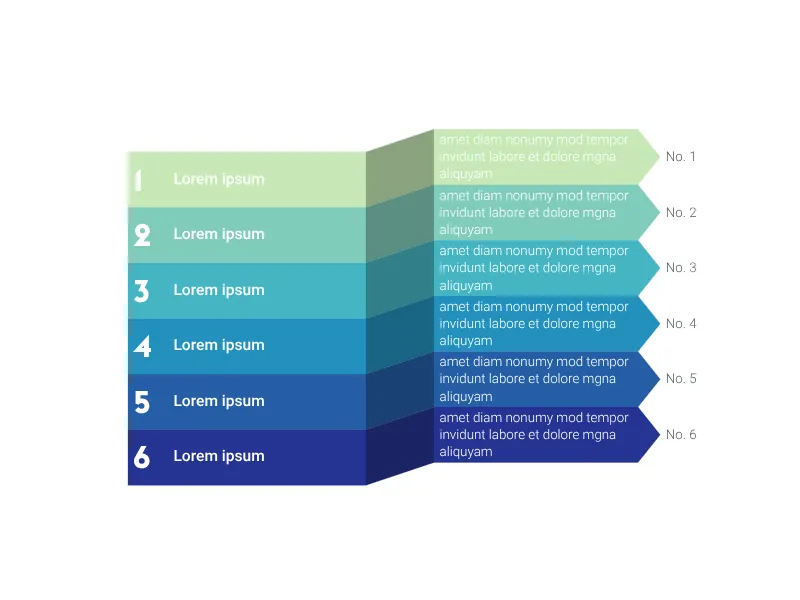
Enhance your productivity
Create a List of Milestones directly in the tools you love
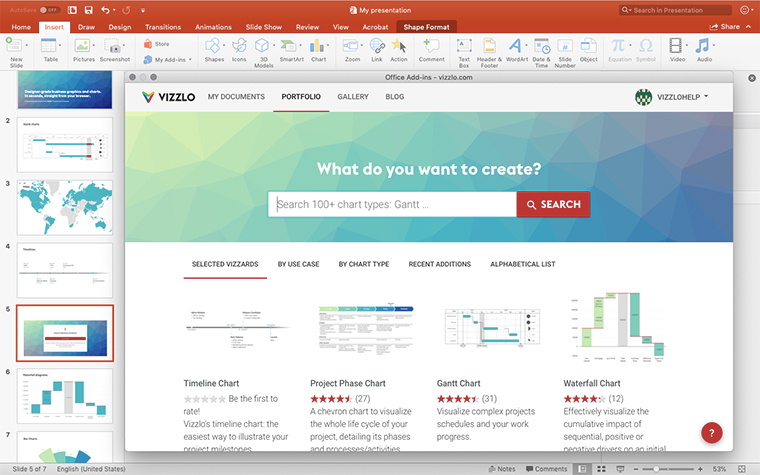
Create a List of Milestones in PowerPoint with
Vizzlo's add-in
Loved by professionals around the world







Visualizations your audience won’t forget
Convey abstract concepts and data with professionally designed
charts and graphics you can easily edit and customize.